
Update: I have happily used Fi for three years now, but there are some systemic issues with Google that can cause major problems that you should be aware of before you switch.
It’s no secret that connectivity is one of my top priorities when traveling. Being able to have unlimited location flexibility is pretty awesome, but that only works if I can jump on to a stable internet connection at short notice.

I’ve tried an assortment of options over the years, but recently switched my primary cell phone coverage to Google’s Project Fi, and oh my goodness — this is a game changer!
If you travel, at all, you should strongly consider Google Fi as an option.
Some background
My go-to system over the years has been to carry a portable MiFi device, along with a pre-paid SIM card. This can be a bit annoying to set up (as you have to research which provider offers the best data plan in the country you’re visiting, know where to buy or reload the card, etc.), but after six years of traveling this way I had a pretty good system and selection of SIM cards to choose from.
I tested T-Mobile’s international plan when it first debuted in 2014, and had mixed thoughts. The cell service in Chicago was lousy, and the data speeds internationally weren’t great. It was certainly better than nothing, but not a compelling enough alternative for me to switch from my tried-and-true pre-paid SIM option. I also had a generous grandfathered plan from Sprint that I’d had since I bought my first smartphone in 2007, and while Sprint is pretty horrible, the price was compelling.
And then I took a trip to Alaska in March to see the start of the Iditarod and the Northern Lights. Sprint promised coverage in Alaska (which seems reasonable, given I’ve had decent service in Hawaii and Puerto Rico), but there was nothing.
No cell service, and no data.
I would probably have written it off, but there were enough things we wanted to see that I didn’t want to be tethered to hotel Wi-Fi. So I called Sprint, and told them I was having trouble with my phone in Alaska, to which the friendly representative responded:
“Sure, let me transfer you to our international department.”
As someone who has made a career of talking to poorly trained phone agents, not much fazes me, but…
“Sorry, I’m in downtown Anchorage, Alaska. The 49th state? Which is in the US?”
“Mmmmmm, it says here that Alaska is international.”
And that’s when I decided to leave Sprint, because my life is complicated enough without having to deal with a phone company that’s stuck in 1958.
But I wasn’t sure which phone provider to switch to.
Enter Google Project Fi
A few days later I was having dinner with Zach from TPG, who suggested Google’s Project Fi as an option. I’m married to an engineer, so I’d had an invite to Google’s new service sitting in my inbox for a year, but hadn’t really looked into the program.
Turns out Google Fi is an awesome option for folks who travel internationally with any frequency.
https://twitter.com/tebfunk/status/730879830338600960
It’s probably a solid option for everyone else as well, but the other domestic US carriers aren’t as horrible for people who don’t travel, so Fi is less of a no-brainer.
Pricing
For this Millennial, Project Fi’s pricing is so delightfully obvious as to make every other cell phone provider obnoxious.
There are four components that make up your Google Fi plan:
- $20 for Fi Basics (domestic calls, domestic and international texts, with no limits)
- $10 per GB of data used in the U.S.
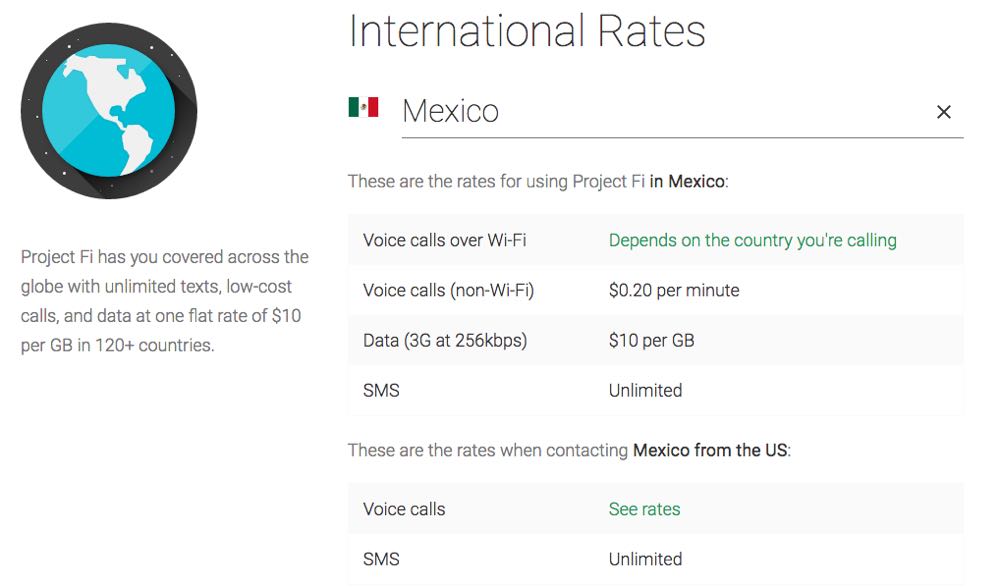
- $10 per GB of data used in 120 supported countries
- $0.20 per minute for cell phone calls when traveling internationally
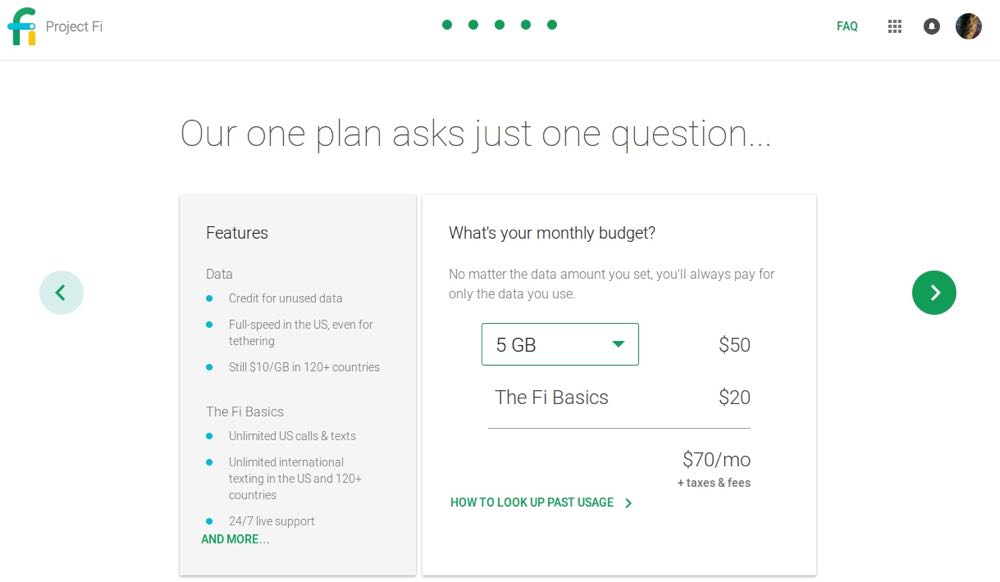
So you always pay $20/month for the basics, and then the amount you pay for data flexes based upon your needs.
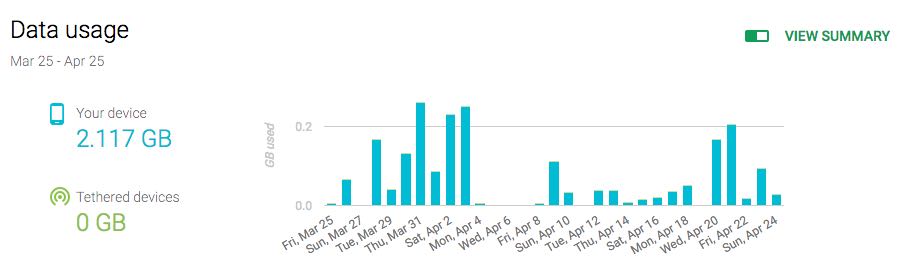
There aren’t any complicated packages or need to track your minutes. Project Fi actively seeks out WiFi connections as well, so you won’t use as much data as you think — the average Fi user is using 1.6 GB of data each month.
Your international data comes out of a separate bucket (though it really doesn’t matter, because it’s all $10 per GB, it’s just tracked differently).
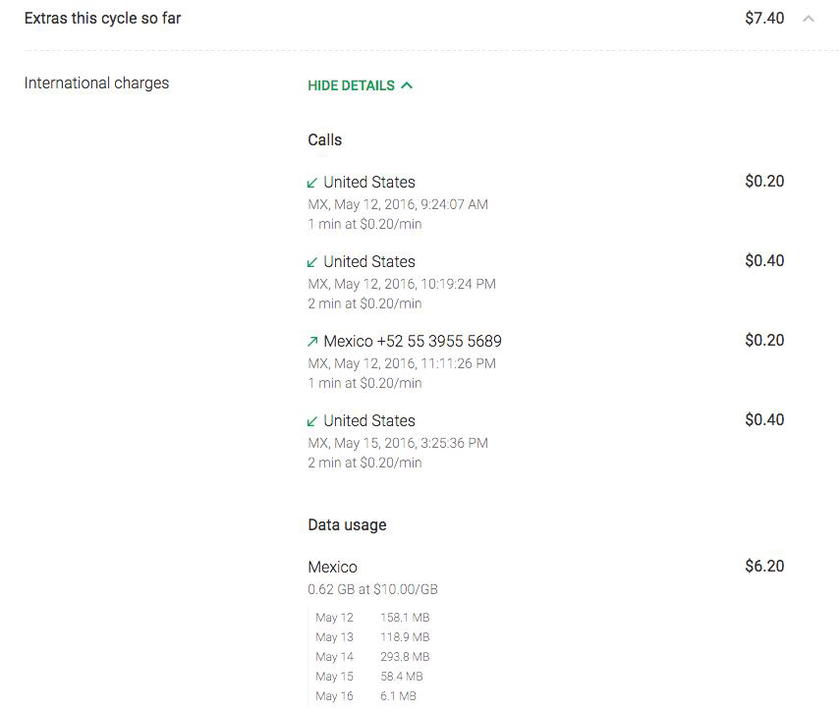
So when I was in Mexico I used 0.624 GB at $10.00/GB:
And the best thing — the very best thing — is that you only pay for what you use.
So if you use .5 GB of data one month you’ll pay your $20 basics and then $5 more. If you use 5 GB you’ll still pay your $20 basics, and then $50 for the data. You don’t have to decide in advance, and you’ll either be billed or refunded based on where you set your defaults.
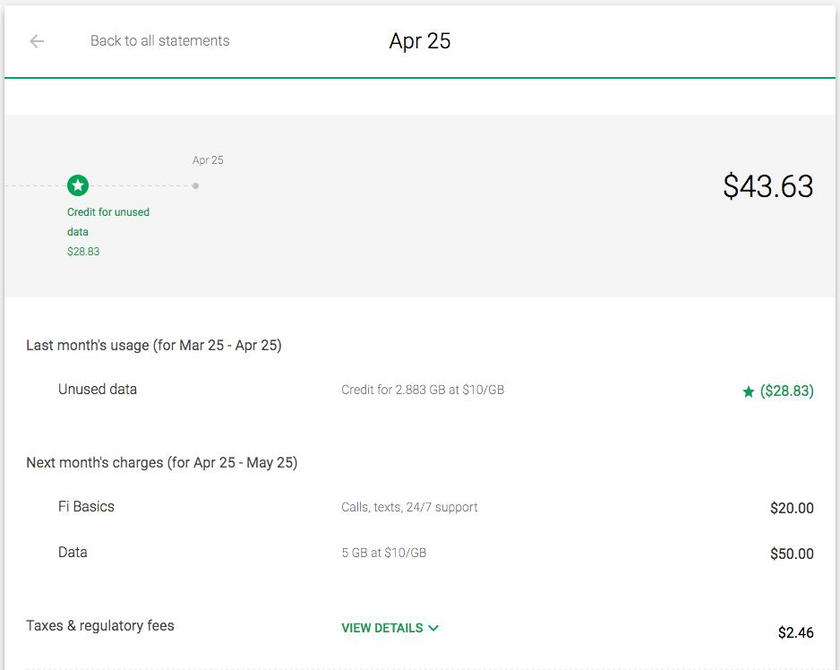
I love this! There have been so many months where I’ve been abroad for three or more weeks, using a foreign SIM card for all my mobile data needs, but have diligently paid $100+ to my US cell phone provider to maintain my service. With Google Fi, that isn’t an issue, and if there are days where I’m on WiFi the entire time, I’m not incurring data charges.
If you have a fabulous bundled family plan and don’t travel internationally very frequently, you may still come out ahead with a traditional carrier. For singles, and even most couples, you can probably save a significant amount of money with Project Fi — especially if you travel.
In our house, we were spending ~$135 a month for our joint Sprint plan, plus the costs of whatever pre-paid SIM cards we were picking up on our international travels. With Google Fi, it’s been between $60 and $90 for both of us. We’ll save at least $800 this year with this switch.
Signing Up For Google Fi
This process was so simple, and infinitely less annoying than schlepping to a strip mall to watch teenagers wait on hold.
The sign up process was linked to my google account, and it took just a few moments to select options.
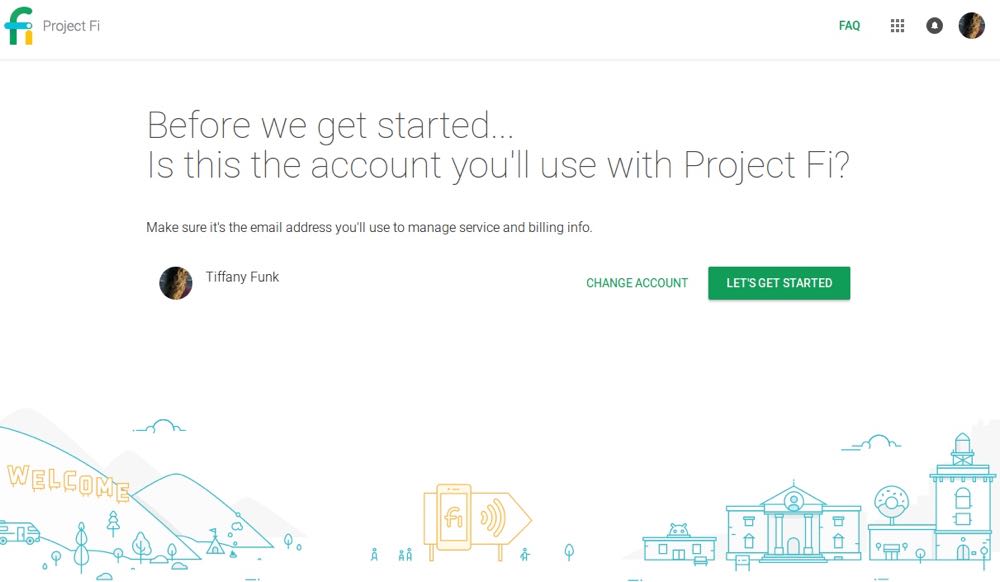
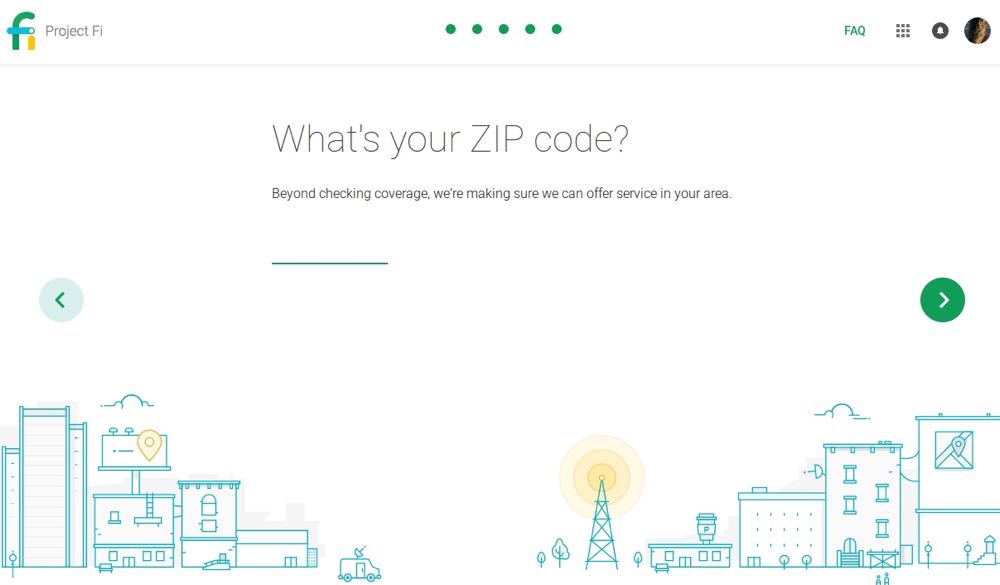
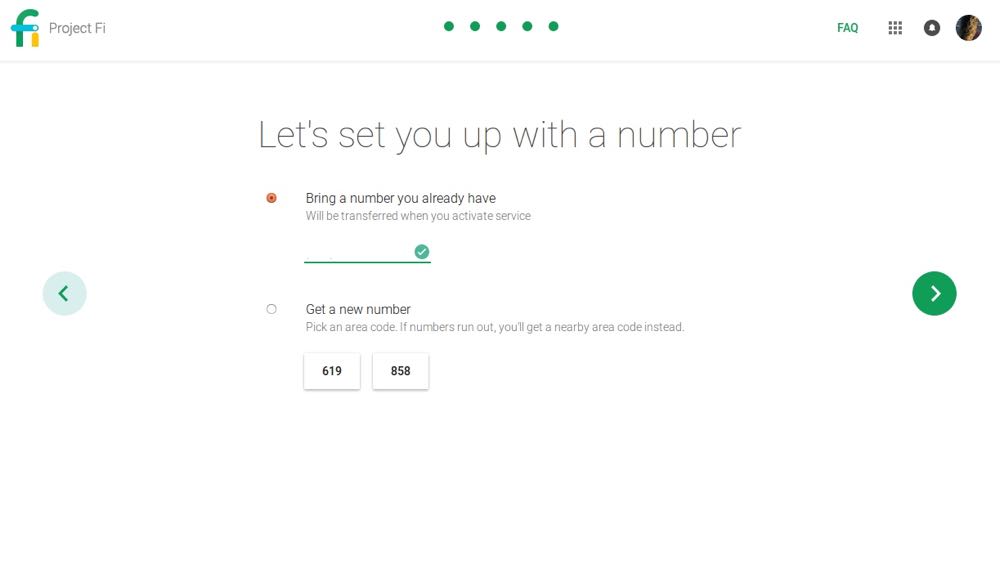
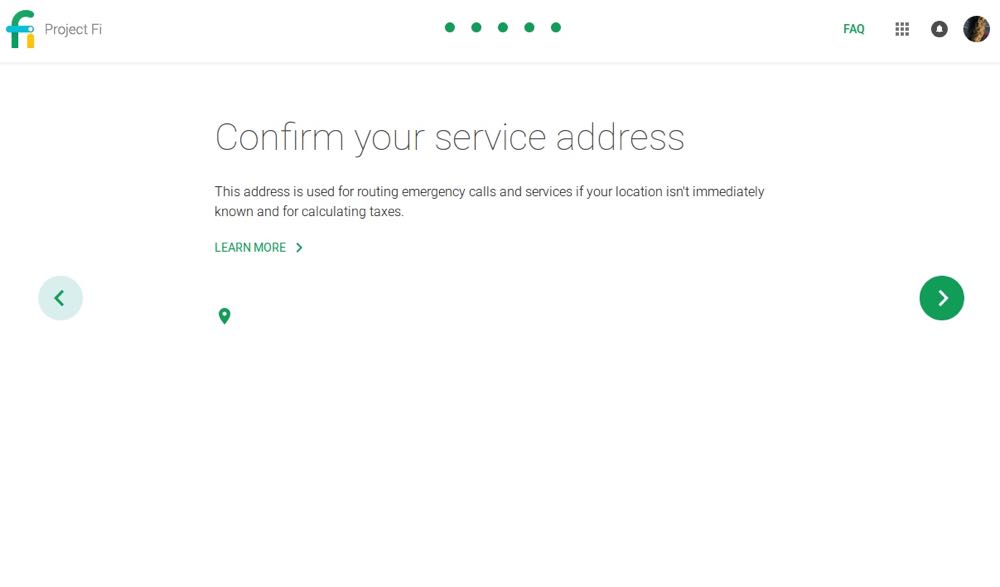
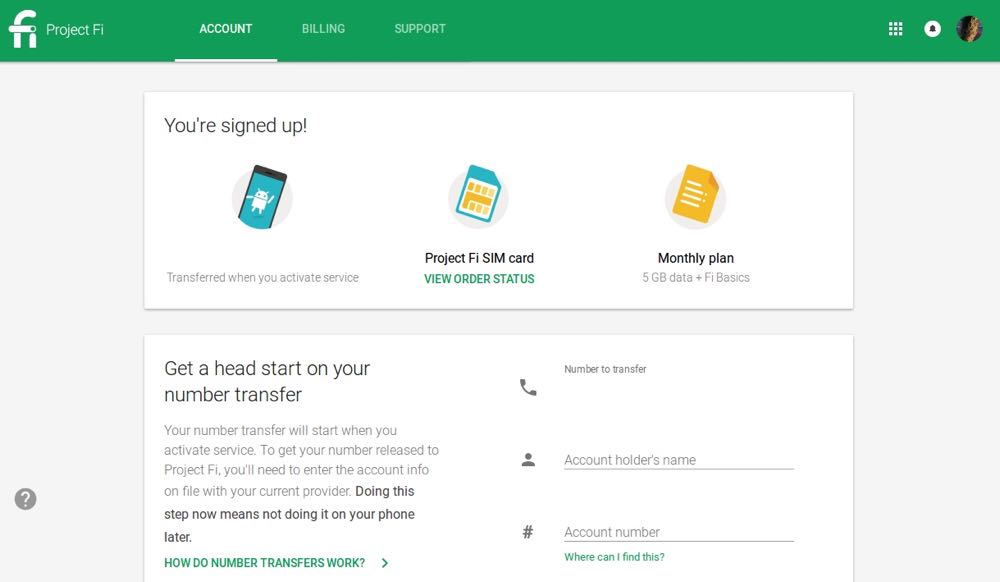
Shipping was free, and quick. I had previously linked my Sprint number to my Google Voice account, so there were a few extra steps I had to do to get everything sorted out, but in general it only took about ten minutes to activate everything and port my number over.
My one complaint with the initial process is that both Nexus phones arrived at our house with the batteries completely dead.
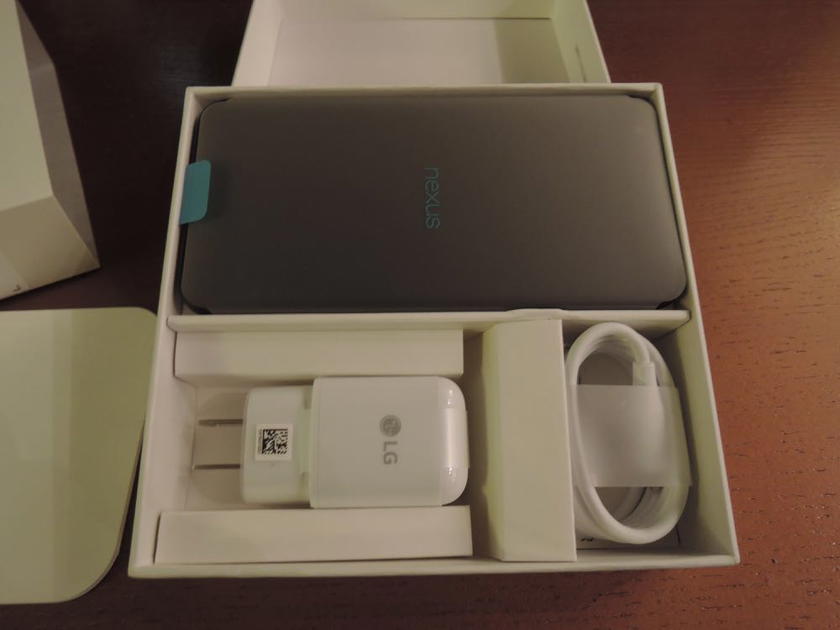
It’s annoying to have to wait for the phone to charge to activate the new service, and this is definitely something that can be improved.
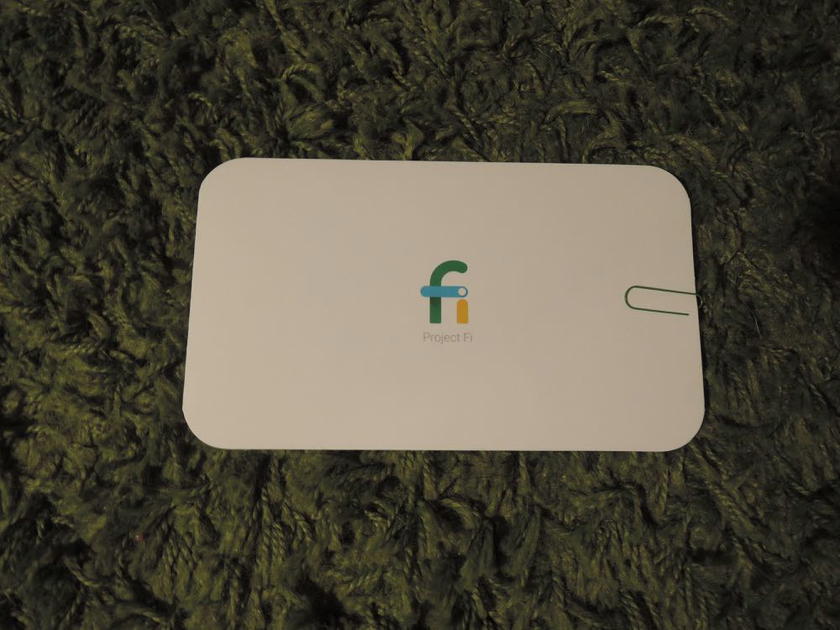
Otherwise everything was easy though, down to Project Fi including a branded paperclip to open the phone with ease.
Hotspots & Tethering
I have been tethering my phone to my laptop for years (thanks, Sprint super-unlimited data plan!), and that’s something I really didn’t want to give up.
I make good use of the 30+ minutes between boarding and door closing, so didn’t want to lose that productive time, and there are just some things you still need a computer for versus a phone.
Google Fi supports using your phone as a hotspot without any additional subscriptions — just enable the service on your phone, set up your network, and voila! Any data used comes out of your standard data bucket. So easy!
You can’t use your phone as a hotspot internationally at this point, but most Android users probably know a few ways around that. 😉
Extra SIM cards
In addition to the SIM card needed to make your phone work on the Project Fi network, Google will send you up to 8 data-only SIMs, which can be used in a variety of devices. These are designed for tablets and things, and use your same bucket of data.
Extra SIMs are also a great option for international travel — you can either share them with other people in the group that have unlocked international phones, or put one in a MiFi that the group can then access.
If you’re traveling internationally, any data used will come out of your international data bucket.
But how is the international coverage?
So far, great. Really, really great.
International data speeds are the main reason I chose Project Fi over T-Mobile. T-Mobile only promises 2G, and advertises “standard speeds as approximately 128 Kbps.” That’s better than a poke in the eye, but isn’t exactly speedy.
Project Fi allows speeds up to 256kbps, which is still not going to be amazing for heavy uploads and downloads, but is totally fine for what most of us use our phones for. And it’s twice as fast as what T-Mobile offers.
Changing countries is simple as well — walking across the border from San Diego to Tijuana (trip report on that coming soon), my phone switched automatically, which was impressive. Otherwise, Project Fi has always found the right network when I’ve turned off airplane mode in a new country.
I’ve made a few phone calls overseas as well, which has been easy. This isn’t a big perk for me, honestly, as I have a pretty solid system with Skype and Hangouts, but it’s nice to have the option.
Can I use any phone?
Technically, and if you want to maximize your coverage in the U.S., you have to use one of the Nexus phones.
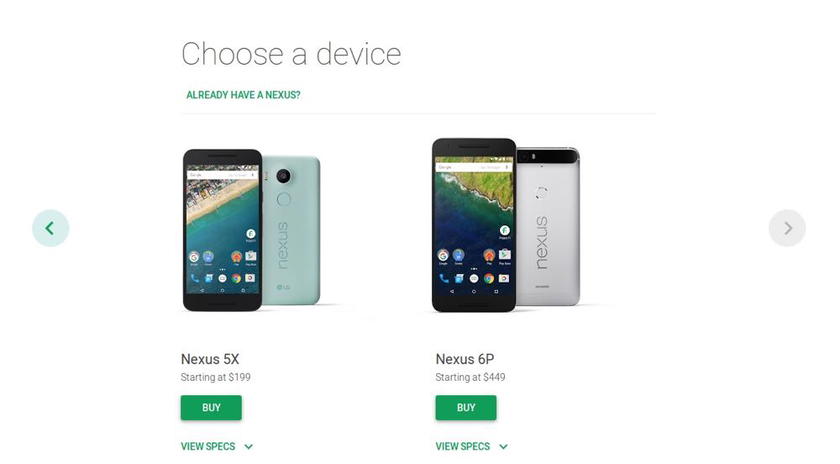
They have the dual-band technology that you need to switch between T-Mobile and Sprint. Coming from a lifetime of HTC phones, the base-model Nexus feels like it might be manufactured by PlaySkool. The other Nexus phone is gigantic, so neither are really ideal. The phones themselves are probably the biggest drawback to Project Fi right now.
In practice… as long as your phone is unlocked you should be able to access the T-Mobile network domestically, and the international coverage uses the T-Mobile band anyways. I know people who are using iPhones or other Android products with no issue, but YMMV with the phone itself working.
You can (officially) use the data-only SIM cards in a variety of products, so data shouldn’t be a problem regardless. You do have to keep a Nexus phone activated and linked to the account though.
How do I maximize points with Project Fi?
Hopefully everyone is charging their cell phone bill to an Ink card for 5x points, and the 8000+ Ultimate Rewards points I was earning off my cell phone bill each year certainly took some of the sting out of my Sprint plan.
Google Fi doesn’t seem to code as a cellular provider, sadly.
- American Express lists it as “Business Services – Internet Services” (I was hoping for advertising, so I could earn 3x points on my BRG)
- Visa codes it as “Business / Professional Services,” so I don’t think there are many opportunities for bonus points here
Bottom line
Google Fi is a game-changer. I love the service, the pricing model, and the general flexibility. The international coverage has been great, and I can’t imagine going back to a traditional phone plan. Yay for market disruption!
If you have a generous family plan with another carrier, or don’t travel much, this might not be as lucrative for you, but it’s certainly worth doing the math.
Has anyone else tried Project Fi? What was your experience?
For a limited time, you can get a $20 statement credit when you join Project Fi.




Membership is free and takes no more information than commenting as a guest. Earn status points for good contributions, and see fewer ads as your status grows.