
The Chase Freedom Flex® (review) is one of my favorite no annual fee credit cards, as it offers 5x points in rotating quarterly categories, for up to $1,500 of spend per quarter. As I explained a few days ago, this quarter the card is offering 5x points for mobile payments (Chase Pay, Android Pay, Apple Pay, and Samsung Pay), gas stations, internet, cable, and phone services. If you haven’t yet registered, be sure you do so, since you need to activate the offer every quarter to earn bonus points.
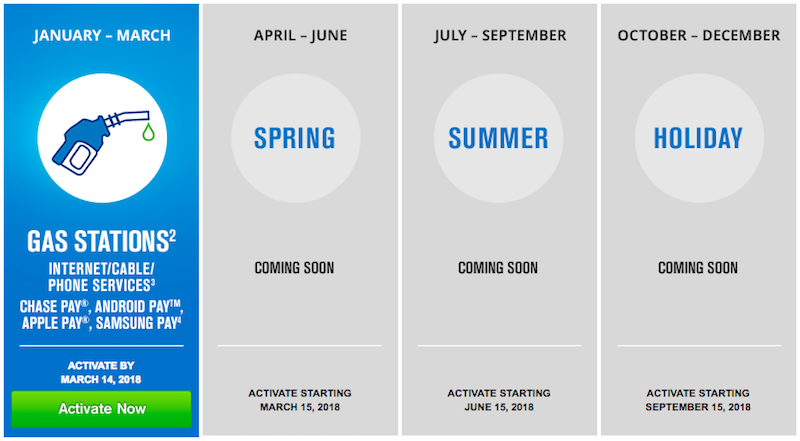

In this post I wanted to share my strategy for maximizing bonus points this quarter. It goes without saying that we all have different spend patterns, so we’re all going to maximize our spend in different ways. When it comes to maximizing your quarterly return on the Chase Freedom, there are two things that are most important, in my opinion:
- You want to max out the $1,500 bonus category
- As much as possible you want that spend to be in categories where you’d otherwise earn the fewest points; in other words, you’d rather put 5x points spend on the Chase Freedom when the alternative is earning 1.5x points, rather than 3x points
With that in mind, I figured I’d share my strategy for maximizing this bonus, now that I’ve put some thought into it. Given my situation:
- It has been months since I’ve filled up a gas tank, so I don’t see myself benefiting much there
- I already earn 5x points on internet, cable, and phone services with the Ink Business Cash® Credit Card (on up to $25k each anniversary year)
So that leaves me with using mobile payments to maximize my points. Everyone will have different preferences between the various choices, though given that I have an iPhone, I find Apple Pay to be the most widespread and useful, so I’ll use that for the purposes of my example.
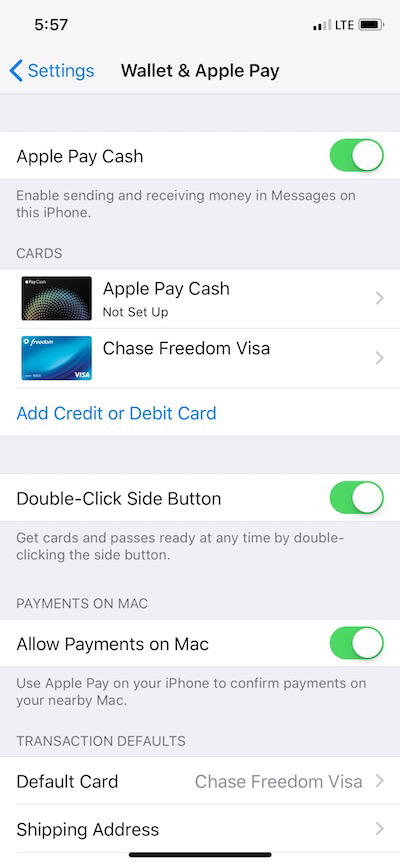
If you have an iPhone and haven’t yet set up Apple Pay, it’s super easy. Just search “Apply Pay” in settings, and then enter your Chase Freedom information. If you have other cards as well, make sure you specify the Chase Freedom as your default card.
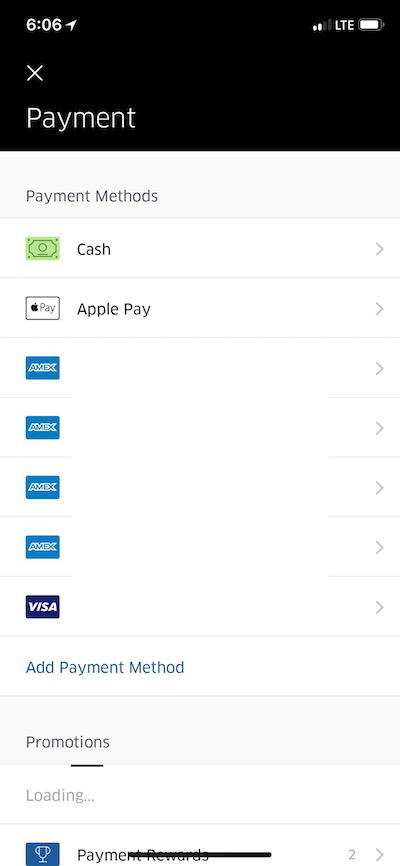
My first thought was that Uber accepts Apple Pay, so I linked Apple Pay to my Uber account. I’ll certainly take 5x points on my Uber rides!
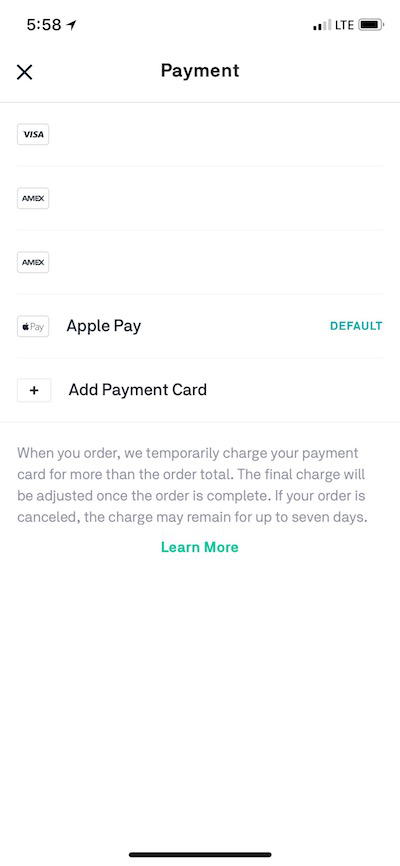
Then I started thinking of what other apps I use where I earn fewer points. My go-to option for getting food delivered is Postmates, and rather annoyingly Postmates no longer qualifies as “dining” for the purposes of credit card spend. In other words, right now I only earn 1.5x points per dollar spent with Postmates. I was thrilled when I found out that Postmates accepts Apple Pay, since that’s an incremental 3.5x points per dollar spent with the card. That’s much better, if you ask me.
Apple Pay is accepted at many retailers, so you can check that page for a more comprehensive list. Many of these are dining establishments that would otherwise earn 3x points with the Chase Sapphire Reserve®, though there are also some clothing stores and other retailers.
Bottom line
Maximizing this quarter’s Chase Freedom bonus is a bit more nuanced than some of the past bonuses we’ve seen. For example, in the past we’ve seen them just offer 5x points at supermarkets, which is pretty straightforward — you keep spending at supermarkets until you’ve maxed out the bonus.
But for those of us who don’t spend money on gas and don’t want to put our cable, internet, or phone bills on the card, maximizing this takes a bit more planning. This should be easy enough to maximize thanks to Apple Pay and other mobile payment options, the key is just to maximize the bonus while using the card for spend where you’d otherwise earn the fewest points.
Earning 5x points when you’d otherwise earn 3x points is great, but earning 5x points when you’d otherwise earn 1.5x points is much better.
To those maximizing the Chase Freedom 5x points category using mobile payments, which businesses are you finding most valuable for this?


Membership is free and takes no more information than commenting as a guest. Earn status points for good contributions, and see fewer ads as your status grows.