
Over the past year or so, US Customs and Border Protection (CBP) has rolled out new kiosks for Global Entry members, which couldn’t be easier to use… or could they?
Global Entry now has awesome contactless kiosks
Global Entry is a useful program that select people can apply for, offering expedited immigration clearance at airports in the United States for pre-screened travelers. It’s a program that has made international travel to the United States so much more predictable, and I don’t know how many hours it has saved me over the years.
Up until about a year ago, Global Entry kiosks typically required you to scan your passport, and then have your biometric. A piece of paper would then be printed, which you’d presented to a CBP officer on the way out.
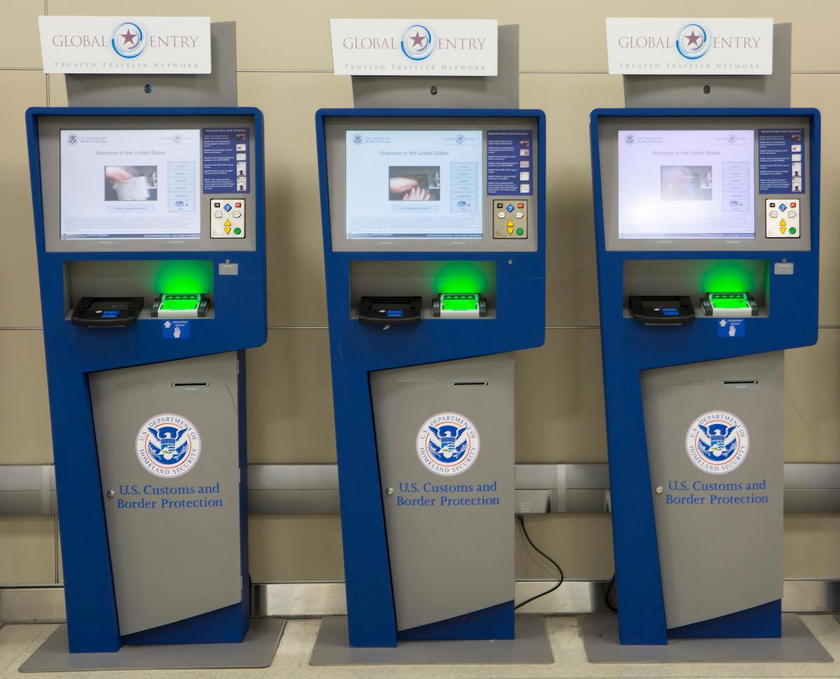
However, CBP has installed new Global Entry Kiosks, which are now available at a vast majority of immigration facilities. These couldn’t be easier to use, as they’re fully contactless. You don’t need to present your passport, but rather you just walk up to one of the kiosks, it takes your picture, and then it tells you to proceed to an immigration officer.
Once pictures are taken, the immigration officers working the Global Entry line have all the names pop up on a screen, and then they’ll usually call you up, and you can go on your way. “Benjamin? You’re good to go.”
The problem with the new Global Entry kiosks
Global Entry’s new kiosks are a huge improvement, and greatly simplify the arrivals experience. Well, at least they should. The catch is that on several recent arrivals to the United States, I’ve found that they actually slow things down. Why? Well, people didn’t seem to get the memo about these new machines.
I’ve seen people standing at the kiosks for extended periods of time, trying to figure out where they’re supposed to place their passports, and waiting for a slip to print out. They assume that the kiosk is just malfunctioning. Then when the screen says “see CBP officer,” they think they’re in trouble.
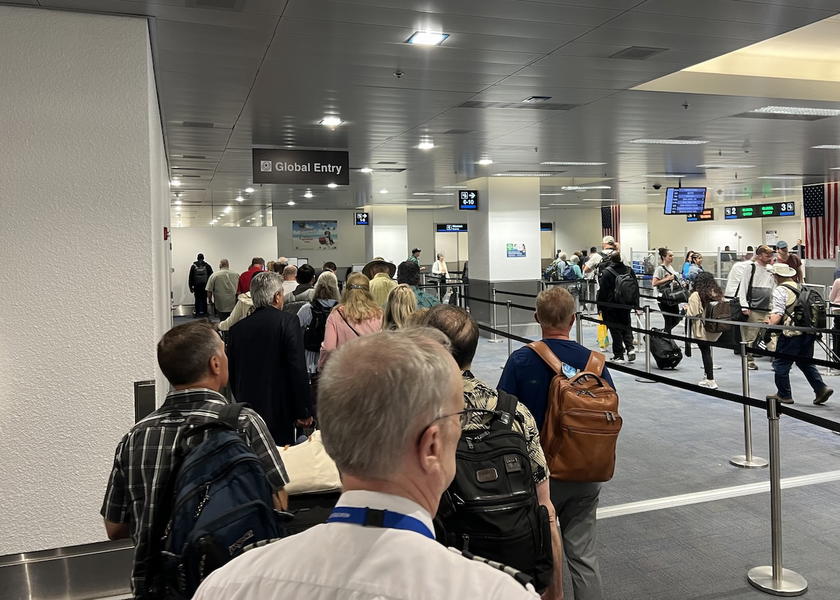
In my experience, most CBP facilities have fewer of the new kiosks than they had of the old kiosks. That’s fair enough on the surface, since they should be much faster to use. But since people don’t know how to use them, there’s quite the bottleneck.
I’ve taken on the role of self-appointed CBP ambassador when I pass through immigration, since the last three times, the people around me were all confused about how the systems work. I saw them standing there looking at the screens after having already had their picture taken…
“I know these new machines can be confusing, but you’re good to go.”
“But I didn’t enter my passport?”
“Don’t worry, it took your picture.”
“But it didn’t print a receipt.”
“Yes, but the officers will have record of you, don’t worry.”
“Oh… thanks.”
It seems like CBP hasn’t done a great job communicating the changes with these new kiosks to Global Entry members. I don’t think an email was ever sent out, there’s not much signage in the facility, and you’d think someone would be staffing these kiosks to help people through the process.
I’m actually finding that the new Global Entry mobile app is coming in handy, since it lets you skip these kiosks, which is where the wait seems to be nowadays.
Bottom line
Global Entry has new contactless kiosks that have been rolled out over the past year or so. With these, you just go up to the kiosk, look at it, and go on your way. There’s no need to scan your passport or get a receipt. That’s awesome, but Global Entry members largely haven’t gotten the memo, which sure slows things down.
Am I the only one noticing confusion regarding these new Global Entry kiosks?




Membership is free and takes no more information than commenting as a guest. Earn status points for good contributions, and see fewer ads as your status grows.