
As I wrote about earlier, I just went through the process of renewing my passport. Now that I have a new passport, I realized that there’s one important thing that I have to do.
Global Entry is awesome
As anyone who travels frequently internationally knows, Global Entry is a huge timesaver. It allows eligible travelers to use special kiosks upon arrival in the US, and save a lot of time in the immigration process.

I used to dread entering the US, since immigration wait times were so inconsistent. Thanks to Global Entry I can always breeze through on arrival.
Global Entry costs $100 (though there are a lot of credit cards that reimburse you for this), and it’s valid for five years. Here’s how to apply for Global Entry.
What happens to Global Entry when you renew your passport?
Your Global Entry membership is tied to your passport number, so what happens when you renew your passport? The good news is that you can transfer over your Global Entry membership to your new passport, though you do have to do this manually.
I’m dealing with this situation right now, as I just renewed my passport, while my Global Entry is only up for renewal in 2021.
To update the passport number associated with your Global Entry account, you’ll have to log into your Trusted Traveler Program account.
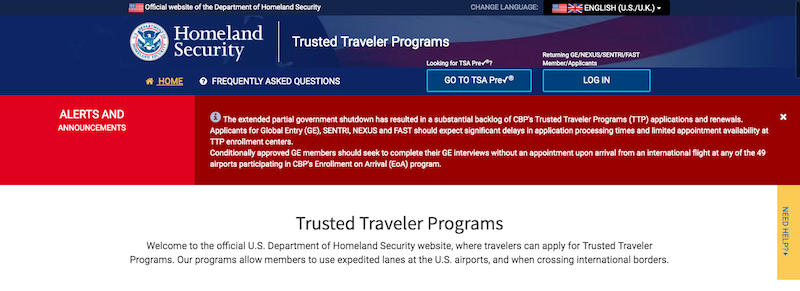
This might not be quite as easy as you think, though. Back when I applied for Global Entry I had a GOES account, though in October 2017 the government migrated to the new Trusted Traveler Program account. So if you’re like me and registered with your old info, that won’t be valid anymore, and you’ll need to create a new account.
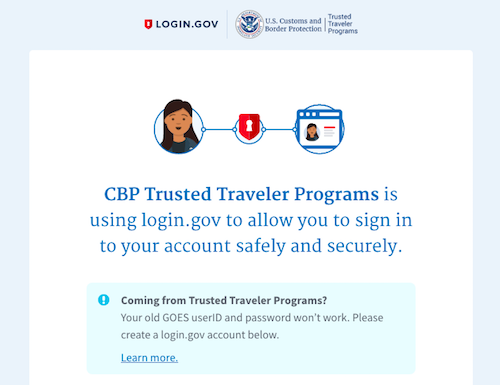
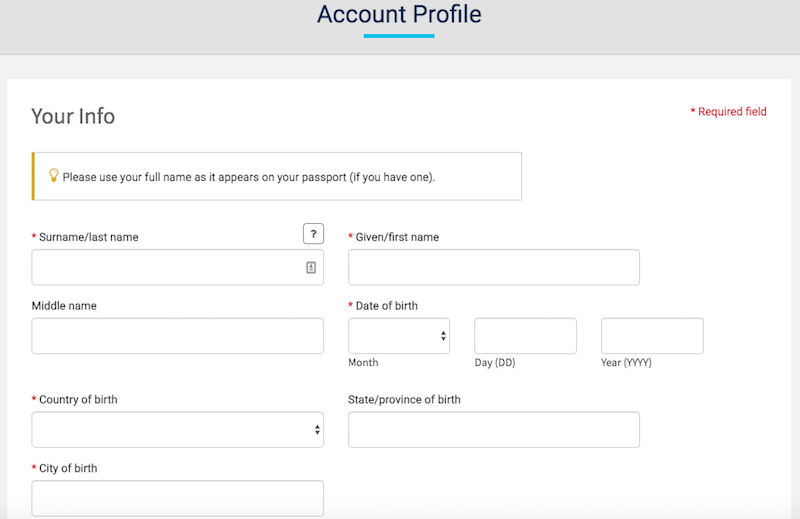
You’ll have to enter all kinds of personal information, including your membership number/PASSID. This can be found at the top left of your Global Entry card — rather annoyingly it doesn’t show anywhere in your passport otherwise, though.
Once you’ve created an account (which will involve getting text messages to verify your identity), you’ll be logged into your dashboard. From here the process is super easy — along the right side of the page just click on the “Update Documents” section.
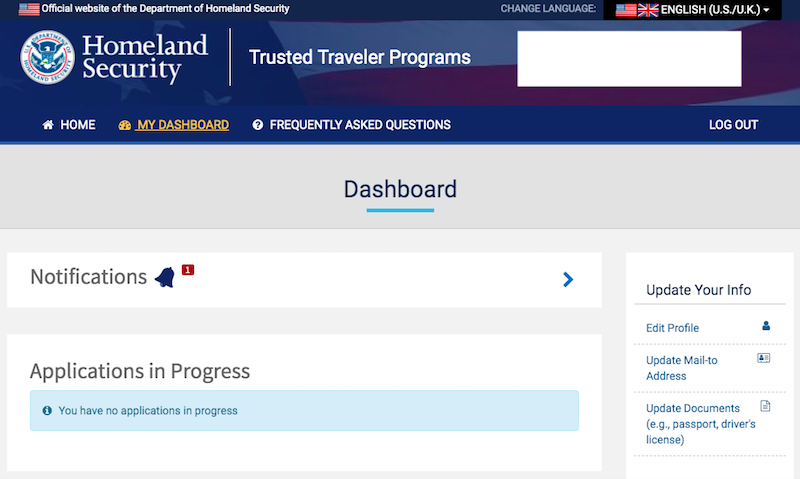
That will bring you to a page showing all your info, where you can click “Edit.” Just update your passport number to the new one.

That’s it, it’s that easy — at least I think it’s that easy. I guess I’ll find out for sure when I take my first trip with my new passport and try to re-enter the US.
What about existing visas?
My one other question when I renewed my passport was trying to figure out what happened to my visas that are still valid. It seems that the answer is that it depends on the country.
For example, I have a 10 year Chinese visa, and it appears that it continues to be valid. I just need to bring my expired passport and new passport, and that should do the trick.
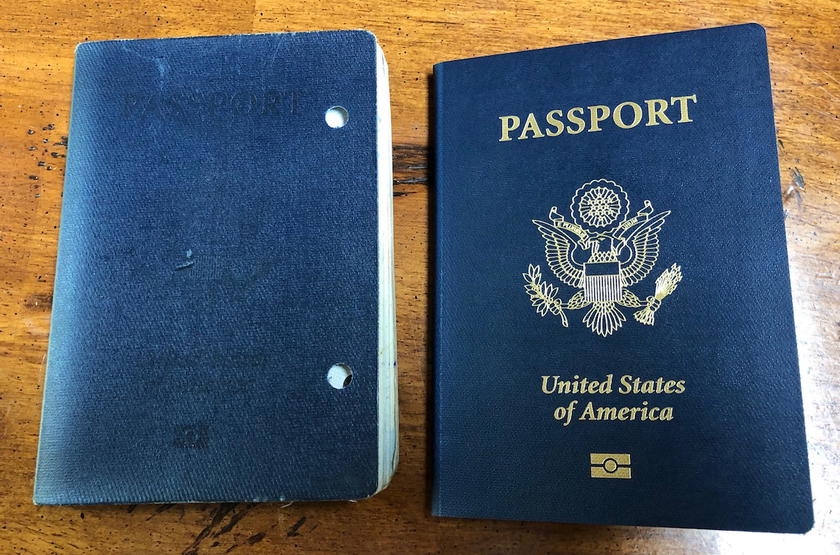
I imagine it varies by country, though in my case the only multi-entry visa that I have that’s still valid is for China.
Bottom line
Updating your passport number for Global Entry is really easy. It can be a bit of a pain to figure out your log-in info given the migration the CBP has had, but other than that it only takes a minute.
At least I hope it’s that simple!
What has your experience been with updating your passport number for Global Entry?


Membership is free and takes no more information than commenting as a guest. Earn status points for good contributions, and see fewer ads as your status grows.