
After being largely broken for years, Flying Blue’s award search feature finally works properly(ish)…
What was wrong with Flying Blue’s award search tool
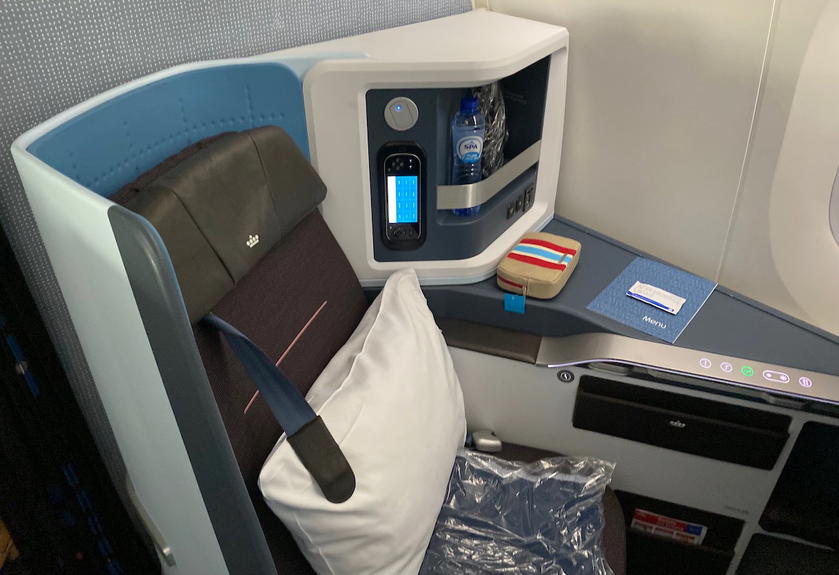
The Air France-KLM Flying Blue loyalty program is useful for booking transatlantic business class award seats. Both Air France and KLM release quite a bit of transatlantic award availability, and the best way to book those seats is through the Flying Blue program. Fortunately Flying Blue is partners with major transferable points currencies, making the points easy to come by.
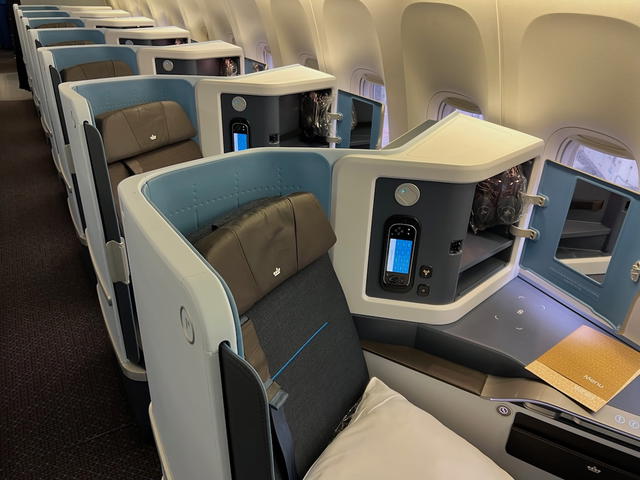
The catch is that actually finding that award availability historically hasn’t been easy. Odds are that you either know exactly what I’m talking about, or have no clue what I’m talking about.
Basically in the past when you used the Air France or KLM website to search award availability, you’d have one shot. You need to log into your account to find availability, and then you’d be able to make one search. If you wanted to change what you were searching (like the routes, dates, etc.), the website would totally error out.
You’d have to open a completely new browser to make a new search. It was a pain, to put it mildly, and amazingly enough, this issue persisted for years. The best workaround was to use the KLM mobile app, which didn’t have this issue, but that’s hardly an ideal way to search award availability.
Funny enough, for about a year I was under the impression I was just having issues on my end, until someone else mentioned this to me, and that’s when it became clear this was a widespread problem.
Flying Blue’s award search tool finally works
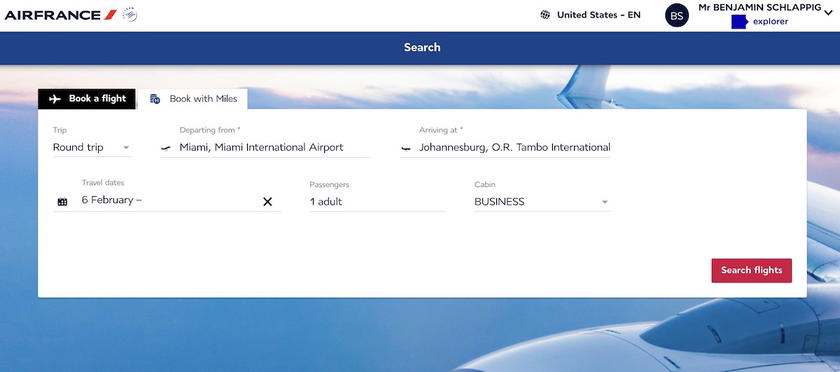
Well, there’s finally some good news — the Air France and KLM award search tools now work mostly correctly. As before, you have to log-in, and then enter your origin, destination, dates, class of service, and number of travelers.
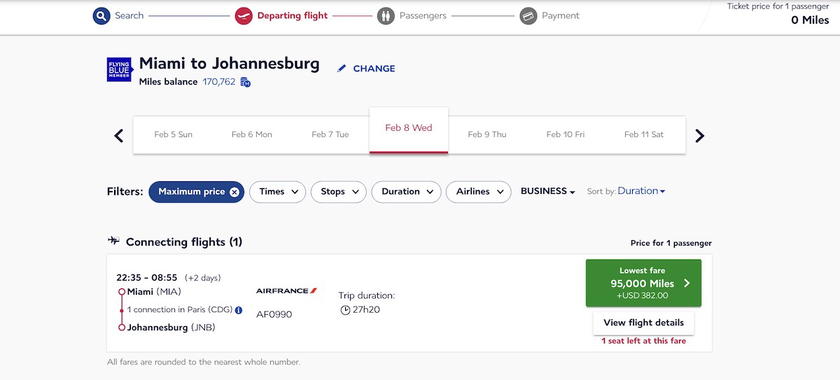
When you get to the results page, you can now click “CHANGE” to modify the itinerary you’re searching, and amazingly enough it doesn’t error out.
Rather it brings you back to the search page. It’s still not perfect — when you get brought back to the search page, it defaults to the “Book a flight” option rather than the “Book with Miles” function, and it also defaults to searching a roundtrip rather than a one-way (even if you were previously searching one-way).
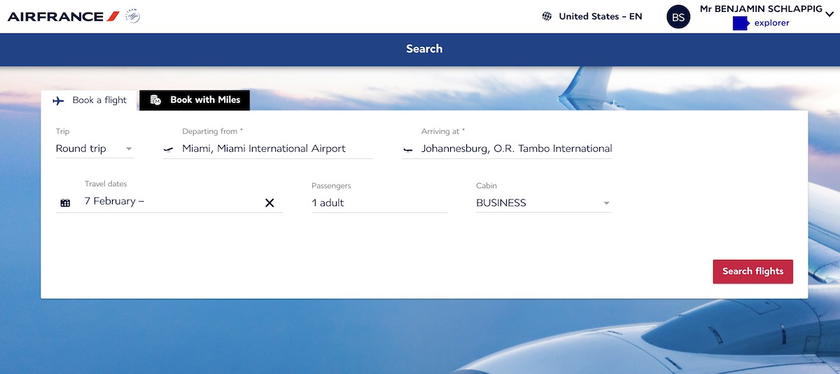
Regardless, being able to conduct multiple award searches without having to open or close your browser is a real treat compared to the old search tool.
Bottom line
The Flying Blue award search tool seems to have undergone some significant upgrades. For years it wasn’t possible to conduct multiple award searches in a single session, as the site would somehow error out. That’s no longer an issue, which is surely a welcome change for anyone searching Flying Blue award availability.
Anyone else happy to see this change?


Membership is free and takes no more information than commenting as a guest. Earn status points for good contributions, and see fewer ads as your status grows.