
US Customs and Border Protection (CBP) has this week launched a new app for Global Entry members, intended to allow eligible travelers to completely skip the kiosks when entering the United States.
How the new Global Entry app works
Global Entry is a fantastic program that’s intended to save eligible travelers time when entering the United States. Participating in Global Entry requires completing an application (including paying a fee, which is covered by many credit cards) and then going through a background check and interview.
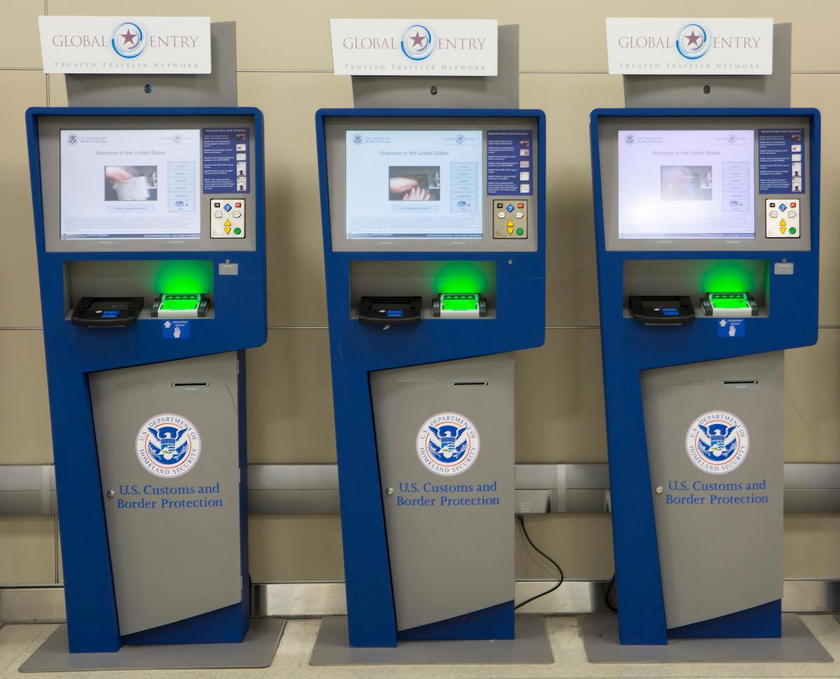
When arriving in the United States, Global Entry members can visit one of the Global Entry kiosks, where their biometric data will be taken (you usually just look at a screen), and then you’re typically just waved through by an immigration officer. It’s such a great program that saves travelers a lot of time, since you’ll almost always be through in a matter of minutes.
Along those lines, CBP has launched Global Entry Mobile, a new application that’s available for download in the Apple App Store or Google Play Store. This is intended to shave even more time off the arrivals experience for the 12 million Global Entry members.
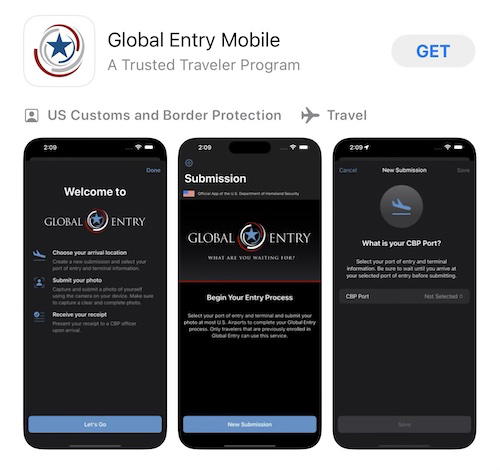
This is initially available for use at the following seven airports, with the plan being to roll this out to more airports in the future:
- Houston Intercontinental Airport (IAH)
- Los Angeles International Airport (LAX)
- Miami International Airport (MIA)
- Orlando International Airport (MCO)
- Pittsburgh International Airport (PIT)
- Seattle Tacoma International Airport (SEA)
- Washington Dulles International Airport (IAD)
Global Entry Mobile is a similar concept to Mobile Passport, except for Global Entry members. This allows you to skip the Global Entry kiosks. Here’s how it works for eligible travelers who download the app:
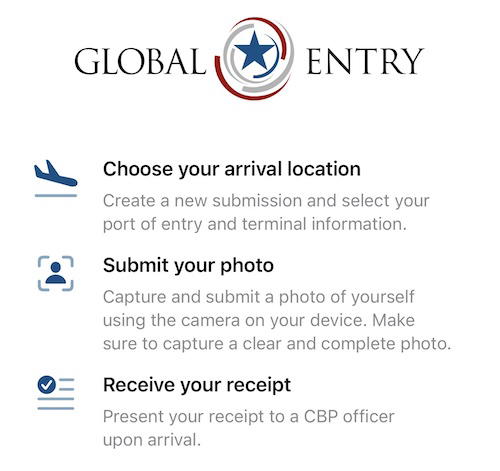
- When you land at your destination, just open the app, and state at which airport and terminal you’ve arrived
- You’ll then be asked to capture a picture of yourself; you need to remove any hat, sunglasses, and/or a mask
- The picture will match you up to your biometric data, and then you’ll receive a receipt that you can show at the exit of the Global Entry portion of the immigration facility
Essentially the app just turns your smartphone into the Global Entry kiosk.
This seems… marginally useful?
I’m impressed that CBP has created this new app, because it seems pretty functional and easy to use. At some airports, a good number of Global Entry kiosks are out of service, so allowing your smartphone to handle the Global Entry process seems logical, especially with the growing number of Global Entry members. I’m amazed by the figure that 12 million people belong to the program — no wonder it’s so hard to get an interview!
Now, a couple of thoughts:
- Honestly, CBP has already made Global Entry so easy nowadays, as you typically don’t even have to click any buttons anymore, but rather just need your picture taken and then you get in the exit line
- Maybe I’m just lucky with the flights I take, but I don’t think I’ve ever waited more than a minute to use a Global Entry kiosk, and typically the entire process takes just a few seconds; so I’m not sure there are necessarily huge time savings here
Bottom line
Global Entry Mobile is a new app for Global Entry members, that allows you to use your cell phone in lieu of a kiosk when entering the United States at select airports. You just need to enter your arrival airport and take a selfie, and then show the receipt to the immigration officer in the Global Entry hall.
What do you make of Global Entry Mobile? Could you see yourself using this?




Membership is free and takes no more information than commenting as a guest. Earn status points for good contributions, and see fewer ads as your status grows.