
Priority Pass is the largest independent airport lounge network in the world, with roughly 700 affiliate lounges. Rather than purchasing lounge access with an airline directly, this is a way to have quite a few options globally without restricting yourself to one airline. The catch is that the major US lounge networks — American Admirals Clubs, Delta Sky Club®, and United Clubs — don’t participate in Priority Pass.
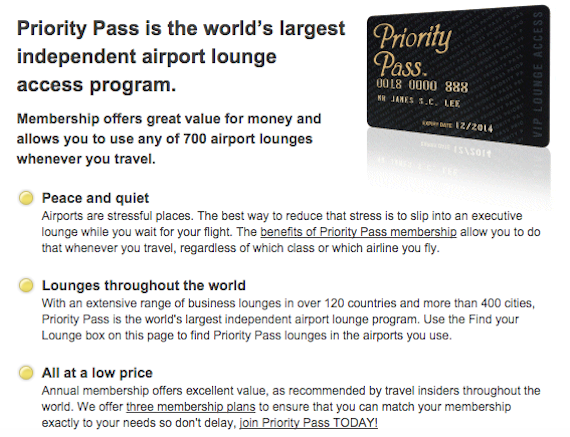

Several cards offer Priority Pass™ memberships just for being a cardmember, including the following:
- The Citi Prestige® Card: comes with Priority Pass membership for the cardmember and up to two guests or immediate family
- American Express Platinum Card®: comes with Priority Pass membership for the cardmember and up to two guests (Enrollment required)
- The Business Platinum Card® from American Express: comes with Priority Pass membership for the cardmember and up to two guests (Enrollment required)
I have both The Citi Prestige® Card and American Express Platinum Card®, though as a default I have the Priority Pass Card from my Citi Prestige Card in my wallet. That’s because it offers free guesting privileges, so I can take up to two guests into Priority Pass lounges with me at no cost.
One thing that’s slightly annoying (though insignificant in the grand scheme of things) is that you need to physically have the Priority Pass card in order to access an affiliate lounge. Citi sends you this card automatically when you’re approved for the Prestige Card, while American Express makes you specifically request it.
Of course, taking the card around isn’t a big deal, though fortunately, it seems like there’s now another way to access Priority Pass lounges. The Priority Pass app will let you download your Priority Pass card to Passbook, meaning you don’t need your physical card anymore.
You’ll find the Priority Pass app in the App Store.
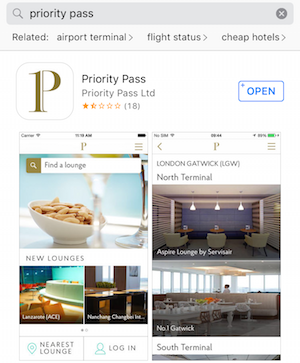
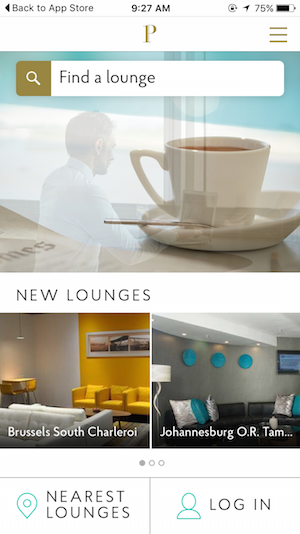
Once you fire up the app, you’ll see the option to “Log In.”
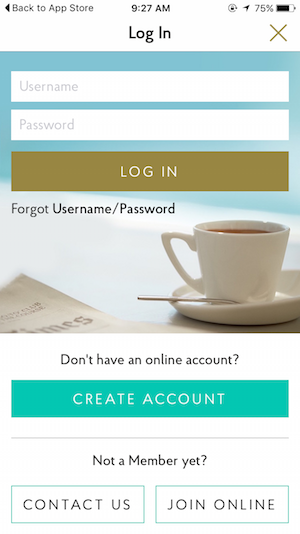
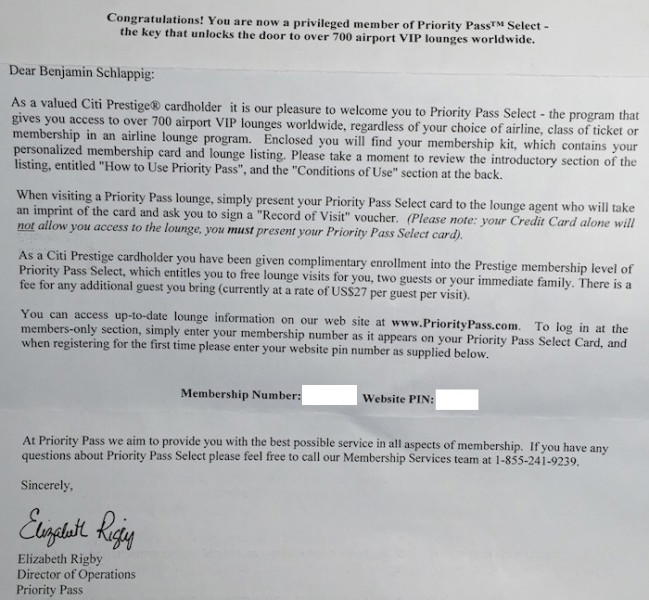
If you have an existing username and password, you can log in with it. If you don’t, you’ll need your Priority Pass card number, as well as the website PIN you received with your welcome letter.
The PIN is located at the bottom of the letter.
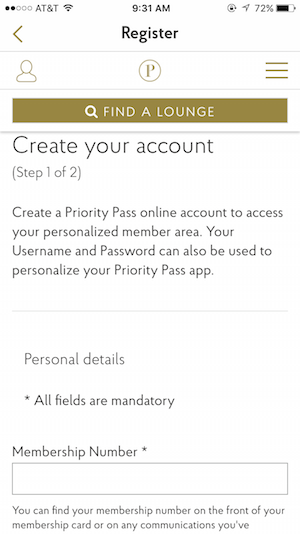
From there you just have to enter some basic details, like your name, as well as your desired online username and password.
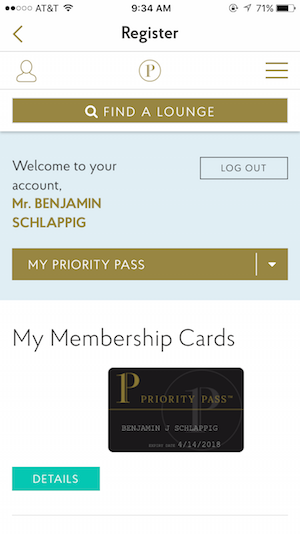
And then you’ll be presented with your Priority Pass digital membership card.
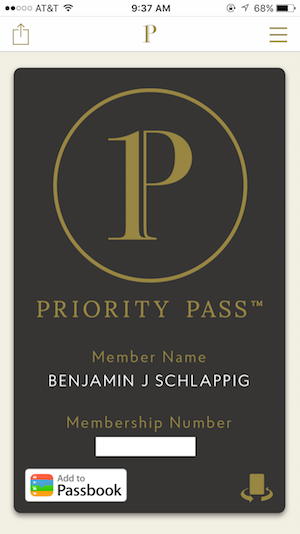
You can even add that card to Passbook.
You’ll also receive an email confirming that your online account is active.

Bottom line
Ultimately this isn’t a huge deal, though it’s something I’m excited about. I usually carry all my credit cards and elite cards with me, so digging through 50+ cards to find my Priority Pass™ membership card every time I want to access a lounge is a bit of a pain. Now I can just pull up my card through my phone.
Furthermore, since I have two Priority Pass™ membership cards (one through The Citi Prestige® Card and one through American Express Platinum Card®), I always had a hard time keeping straight which was which.
Now I can at least take both of my Priority Pass cards out of my travel wallet.
Anyone else excited about the ability to access Priority Pass lounges using your phone?
(Tip of the hat to Travel Codex)


Membership is free and takes no more information than commenting as a guest. Earn status points for good contributions, and see fewer ads as your status grows.