

Link: Learn more about the Atmos™ Rewards Summit Visa Infinite® Credit Card
The $395 annual fee Atmos™ Rewards Summit Visa Infinite® Credit Card (review) is the premium personal credit card of Atmos Rewards, which is the combined loyalty program of Alaska & Hawaiian.
There are lots of reasons to get this card, from a huge welcome bonus, to the great perks and rewards for spending on an ongoing basis, ranging from the ability to earn Global Companion Awards, to 3x points on foreign purchases. It’s a card I’ve already applied for.
There are lots of interesting perks to this card, and in this post, I’d like to take a look at how the Atmos Rewards Summit Card enables free points sharing, since I know many people have questions about the details of this perk.
In this post:
Atmos Rewards free points sharing perk basics
Ordinarily, Atmos Rewards lets members share points between accounts at the cost of $10 per 1,000 points. Paying one cent per point to move rewards is rarely a good deal, since you can always just book travel for other people through your Atmos Rewards account.
But this is where the Atmos Rewards Summit Card comes in handy. Those who have this premium card can share points with up to 10 Atmos Rewards members at no cost, with virtually no limits. Let me emphasize that this is points sharing and not points pooling, which I’d consider to be great news, since the former is more straightforward and flexible than the latter.
The execution is every bit as good as it possibly could be. To cover the basics:
- Free points sharing allows the primary cardmember on the Atmos Rewards Summit Card to create a points sharing network with up to 10 other Atmos Rewards members, regardless of whether or not they have the card
- The free points sharing feature typically goes live roughly one day after getting approved for the Atmos Rewards Summit Card
- The primary cardmember can set up and manage the points sharing network, so the primary cardmember has to be the person inviting others to join the network
- Each Atmos Rewards member can only be part of one points sharing network at a time
- Points transfers are bidirectional, so the primary cardmember can transfer points to other Atmos Rewards members, and Atmos Rewards members can transfer their points to the primary cardmember
- There’s no minimum or maximum to the number of Atmos Rewards points that can be transfered with this perk
- Someone who is invited to share points can break their link at any time and join another cardmember’s network; however, the primary cardmember who invites others can only designate one person for each of the 10 slots every 365 days
- Once someone joins a points sharing network, they’re locked into that for 365 days, and after that, you can remove them if you’d like (but they’ll stay linked by default)
- If the primary cardmember closes the Atmos Rewards Summit Card, all sharing network connections will be terminated

Atmos Rewards free points sharing step-by-step process
How do you actually go about sharing Atmos Rewards points for free? It can be a bit tricky, since you don’t want to go to the portion of the Atmos Rewards website for buying or sharing points. This is only where you’d find the paid points sharing feature.

Instead, log into your Atmos Rewards account, and go to the “Account overview” page. Once there, scroll down to the “Rewards” section on the left.
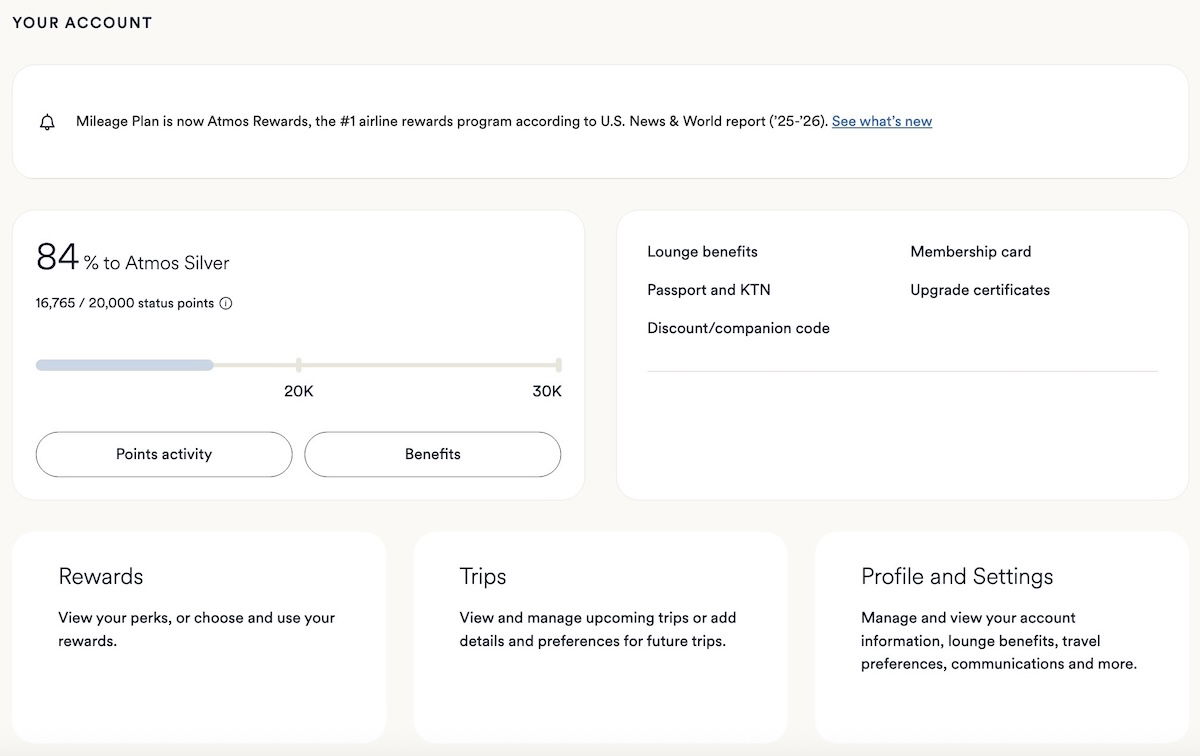
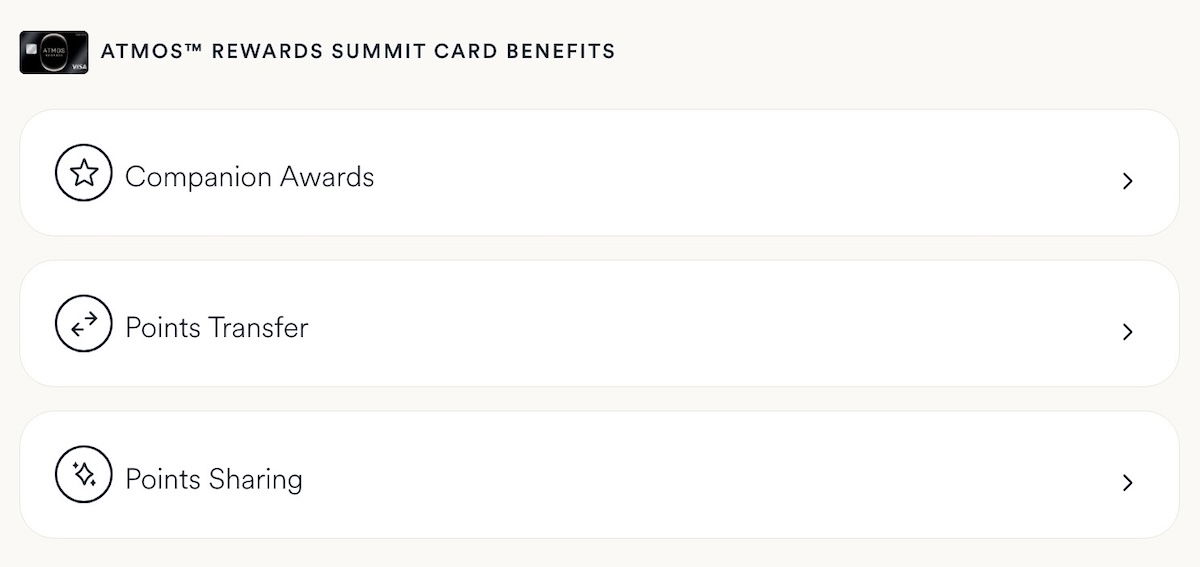
Assuming you have the Atmos Rewards Summit Card (it typically around a day after approval for all of this to appear), you should see a section that reads “Atmos Rewards Summit Card Benefits,” and then you can click the “Points Sharing” button.
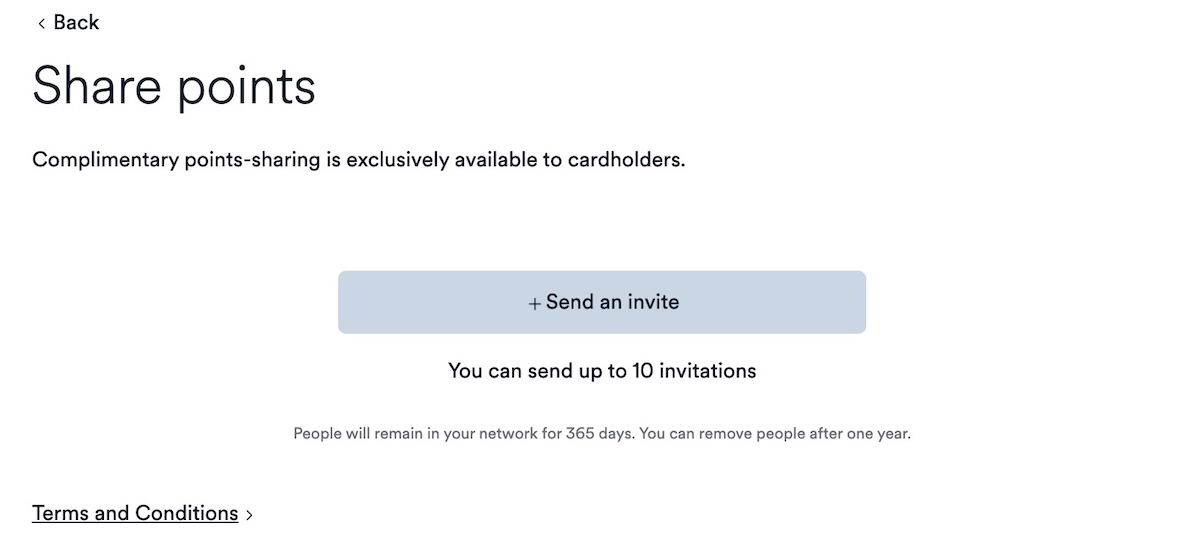
There you’ll be brought to the page where you can invite other people to join your points sharing network, so click the “Send an invite” button.
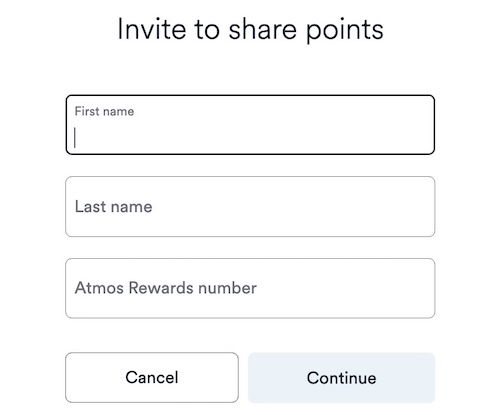
You’ll then have to enter the first and last name and Atmos Rewards number of the person you’d like to invite.
They should then instantly receive an email with the invitation. So they just need to click “Accept invitation.”
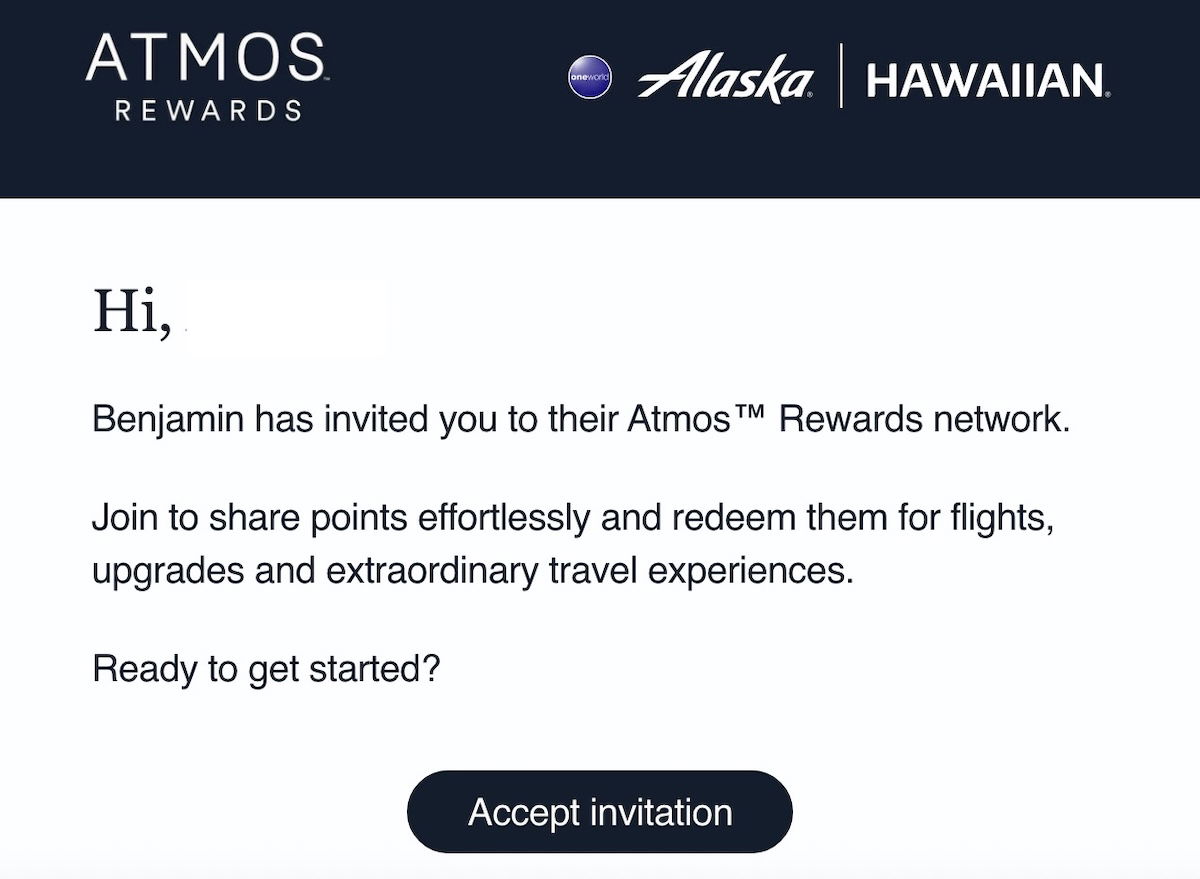
They’ll then be prompted to log into their Atmos Rewards account, where they’ll just have to click the “Accept” button. Note that it potentially makes the process easier if you’re already logged into the account of the person accepting the invitation, as it prevents any hiccups. No matter what, make sure you’re not logged into the account of the cardholder who is sending the invitation, because the system then gets confused.

Once accepted, you’ll see that it says “Connected” with a green dot next to the name of the person with which you’re linked.
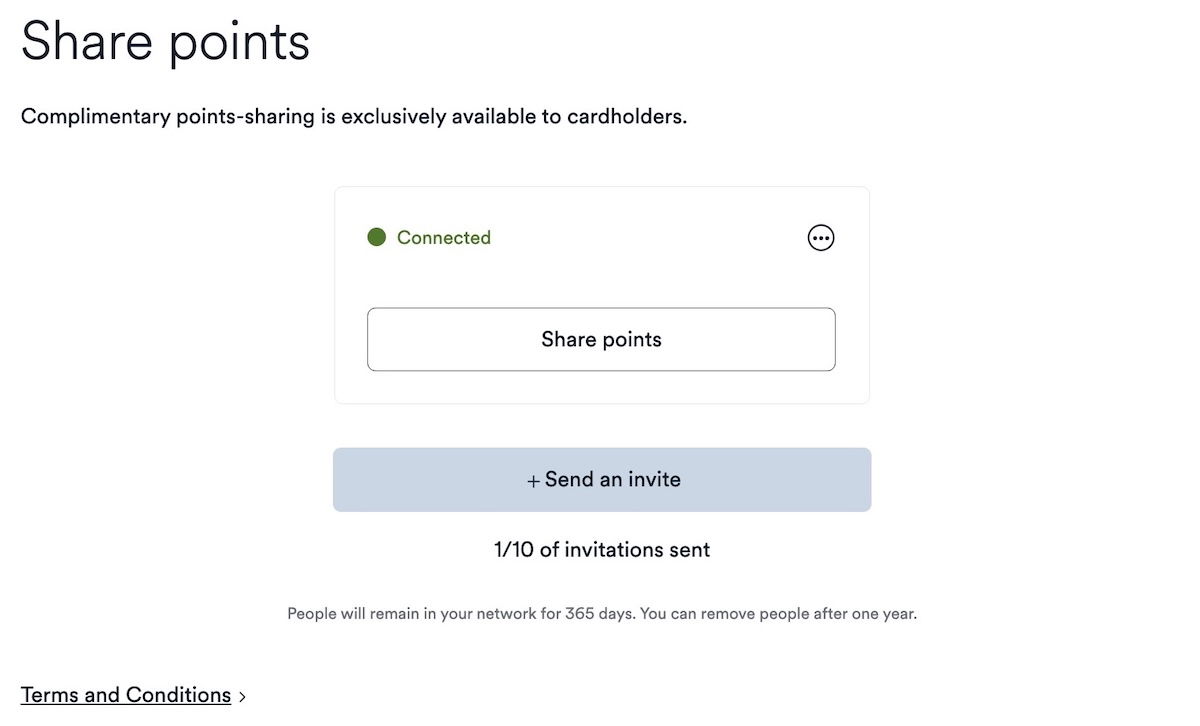
As mentioned above, points transfers are available in either direction, meaning the primary cardmember can transfer points to others, or others can transfer points to the primary cardmember. However, the actual process of initiating the points transfer (once accounts are linked) has to come from the person who is trying to transfer their points.
So you just click the “Share points” button for the person you want to transfer points to, you choose how many points you want to transfer, and then you click “Continue.”
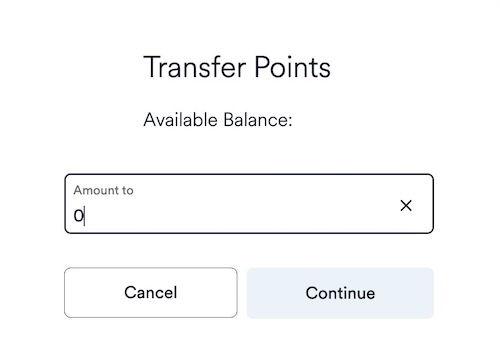
Once that’s complete, the person who receives the points will receive an email informing them of that.
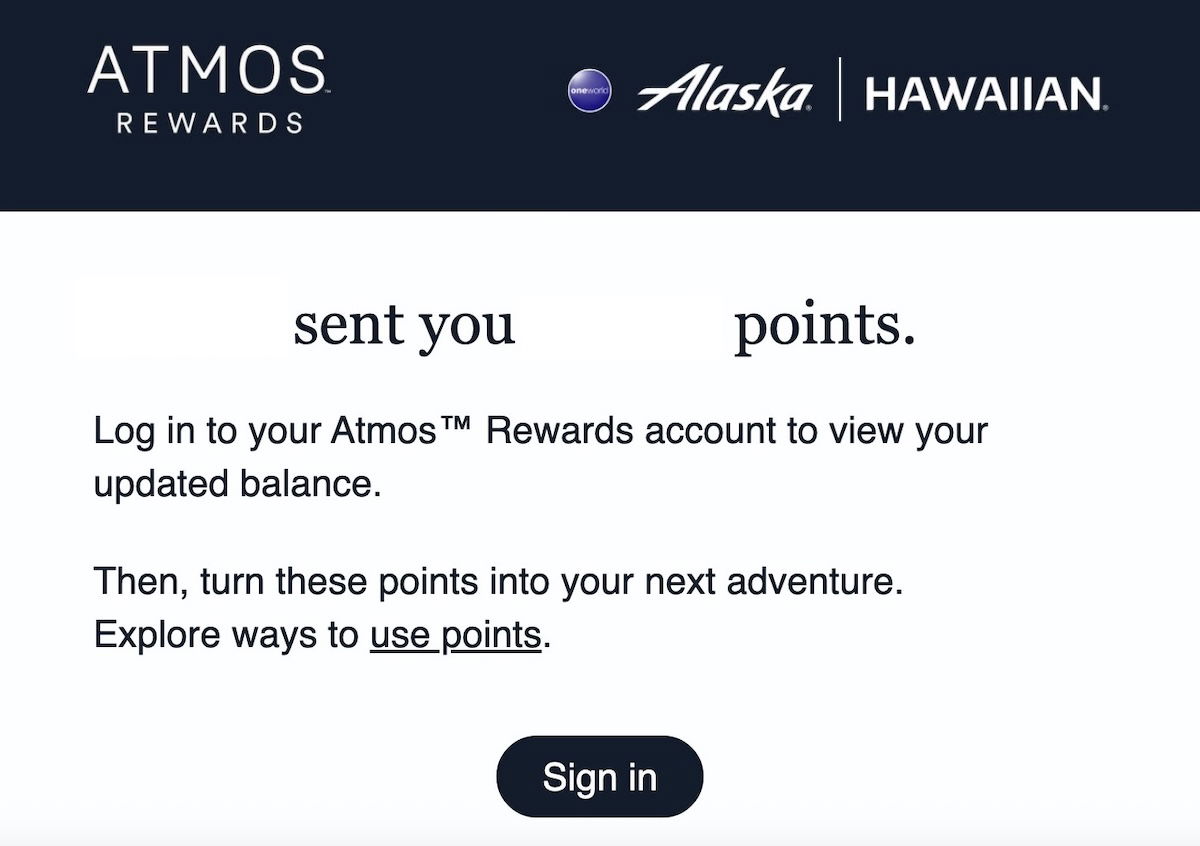
Under normal circumstances, points should immediately be available in the account.

How valuable is Atmos Rewards points sharing?
Personally, I think the ability to share points for free with Atmos Rewards is super handy, and it’s a smart feature to offer with a premium credit card. A few thoughts…
First of all, while a fair number of loyalty program allow points sharing or pooling in some form, the execution here is pretty flawless, given how easy the process is. I love how there’s no limit to how many points you can transfer, and how bidirectional transfers are possible.
Second, I think there are many situations where this could prove to be valuable. For families, I’d say this is a major incentive to fly with Alaska, Hawaiian, or an Atmos Rewards partner. Say your family of four is taking a long haul trip, but you don’t necessarily all fly that often. Being able to consolidate all the points earned from everyone on a trip will add up to useful rewards much faster.
Even more generally speaking, I just find it easy to be able to consolidate points in one account so that you can more easily manage travel. For example, my dad had around 40,000 points in his Atmos Rewards account for years, and when I got the Atmos Rewards Summit Card, we moved those points over to my account, so that I can more easily manage them, since I plan all our travel anyway.
Also keep in mind that those with the Atmos Rewards Summit Card get a waiver of the $12.50 partner award booking fee. So there’s something to be said for moving points from a non-cardmember’s account to a cardmember’s account, as you’ll save $12.50 per award for partner airline travel.

Bottom line
The Atmos Rewards program offers a free points sharing feature for those with the the Atmos Rewards Summit Card. The way this works, the primary cardmember can link up with up to 10 other Atmos Rewards members (regardless of whether or not they have the card), enabling free, bidirectional points transfers, with no limits. Points sharing doesn’t get much easier than this, so I’d say this is a pretty awesome feature.
What do you make of this Atmos Rewards points sharing feature?




This can also be done with the Hawaiian business card with the $99 annual fee.
Alaska joins jetBlue and Aeroplan in having relatively easy points sharing; meanwhile, United’s is kinda limited (doesn’t work for partner redemptions), Emirates is bad (can’t use bank transferred point), and Delta, American don’t even have sharing (that I’m aware of).
Thanks for the primer. I really like this feature and plan to consolidate my wife's miles into my account.
Do Alaska booked award flights earn actual miles for partner award flights booked through Atmos or just loyalty qualifying points?
@Ben - great article. Have you considered this perk is available at a way smaller cost via Hawaiian cards (even their debit card)
I have found this benefit to be hugely helpful, especially for consolidating Atmos points from family accounts that had 50,000 or fewer points.
Q: I love my Atmos Summit card, but I'm also interested in the new Bilt ones because I would earn way more points (not status points) with Bilt than I do with my Alaska card. What do you reccomend? Focus on one? Or try to split spending across both?
@ Daniel -- Personally, I find the Atmos Summit Card to be worthwhile even without a meaningful amount of spending, between the points transfers, waived partner booking fees, and Global Companion Award each year. So I think there could be merit to having both cards.
Assuming you're not going for status with Atmos Rewards, I'd say it would be logical to use the Bilt Palladium Card for everyday spending, and then the Atmos Summit Card for the perks.
The 3X on all international charges and no foreign exchange fees make the Summit card a winner for me. Can I get better with other cards depending on how the charge is coded? Yes. The simplicity is worth a lot to me though and between that the other benefits it's a keeper for me.